Introduction #
I recently migrated from WordPress to Hugo, and after taking a closer look at the PaperMod theme, I decided to use it for my site.
However, even though everything worked fine locally, the page styles broke after I uploaded it to GitHub Pages.
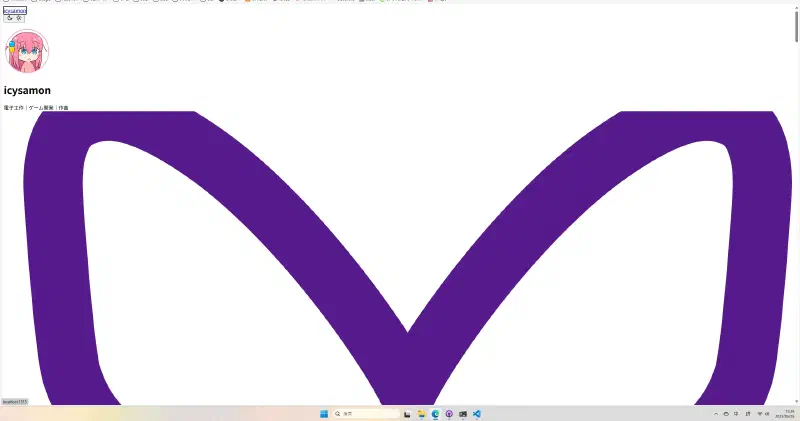
Since the baseURL was set correctly, I was temporarily stumped as to the cause. Then, after checking the site with the developer tools, I discovered this error code.
Failed to find a valid digest in the integrity attribute for resource.
Solution #
In short, the subresource integrity check failed.
While one solution is to disable the verification feature in the config file, this could compromise the site’s security.
I was puzzled as to why this issue occurred, even though I had built the site exactly as described in the wiki.
After doing some research, I found this solution.
The best solution I’ve found so far: If you’re building your Hugo site on Windows, add a
.gitattributesfile to your .github.io GitHub Pages repository that specifies CSS files should be checked out with CR/LF line endings using the line*.css text eol=crlf, e.g.Source: Failed to find a valid digest in the integrity attribute #114
I never would have guessed it was a line ending issue.
To resolve this, create a .gitattributes file and add *.css text eol=crlf to it.
Then, re-upload the files and change the line endings to CRLF to fix the problem.
The site is back to normal.