
Today, I set up a development environment for the ESP32-WROOM-32E Development Board. It’s a well-known microcontroller that I’m familiar with, but this was my first time actually using it.
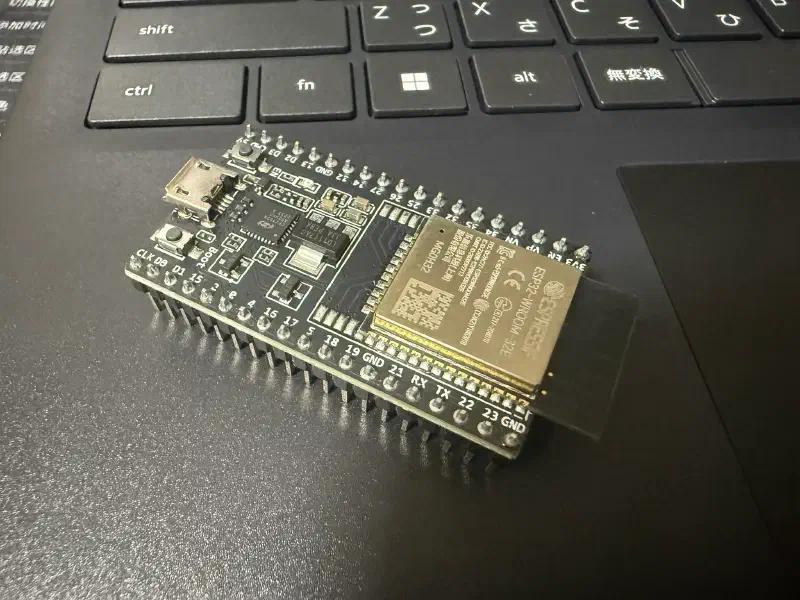
I originally expected to finish in about an hour, but I ran into a series of unexpected issues, so it ended up taking me a whole day.
Well, that’s a common story in electronics projects.
Since I’m highly skeptical of Chinese-made software (even if it’s open source), I chose a VS Code environment based on ESP-IDF instead of the official Espressif IDE.
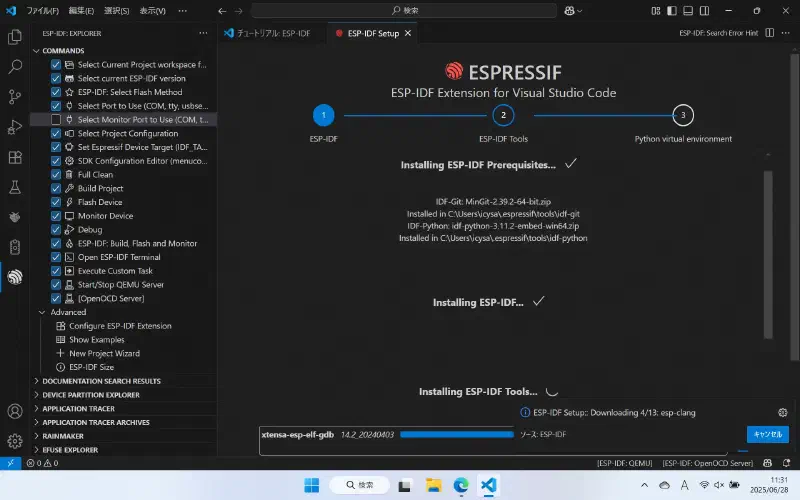
At first, I had trouble finding the serial port.
Assuming this board didn’t have a built-in USB-to-serial port conversion feature, I used a USB-to-serial conversion module.
I tried a USB-to-TTL module I’d used before when developing with STM32, but it didn’t work.
After checking the official documentation, it seems I needed a conversion module that connects to GPIO0 and EN.
Fortunately, I had just such a module. I’d bought it a while back but had never used it.
And it worked perfectly.
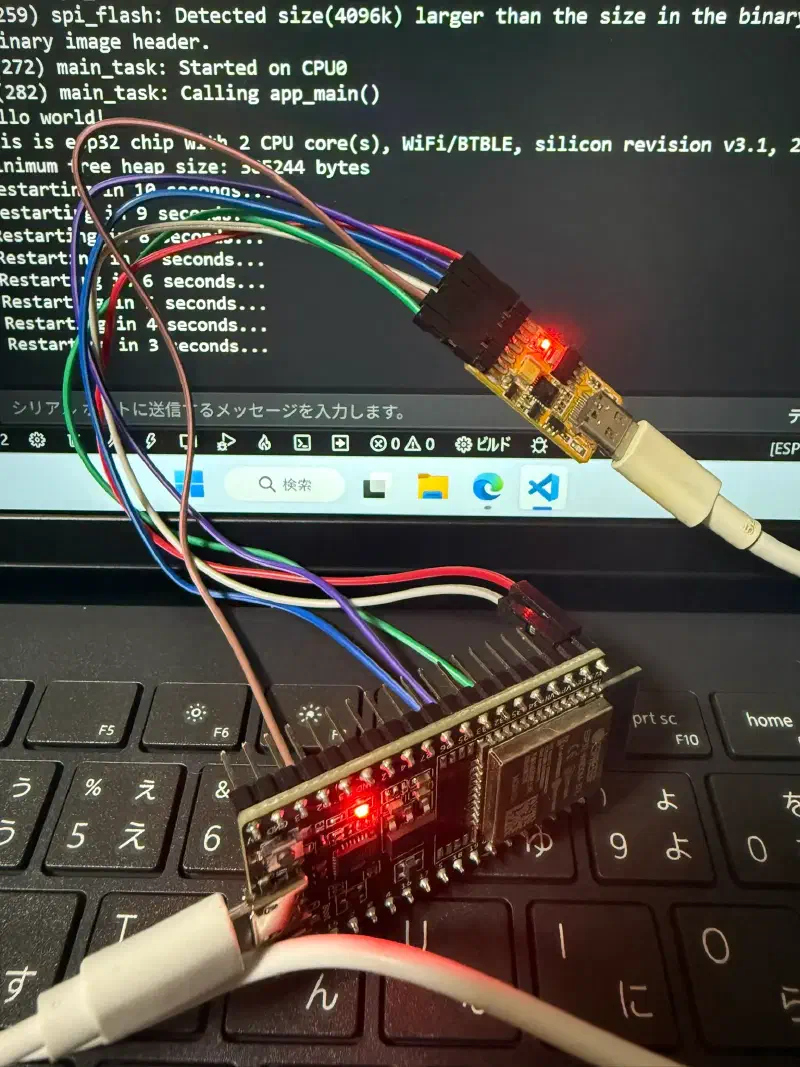
In the end, I found out that if I used the USB Type-B cable that came with my Wacom pen tablet, I could connect it directly to the PC without needing an adapter module.
As expected, cheap cables just don’t cut it.
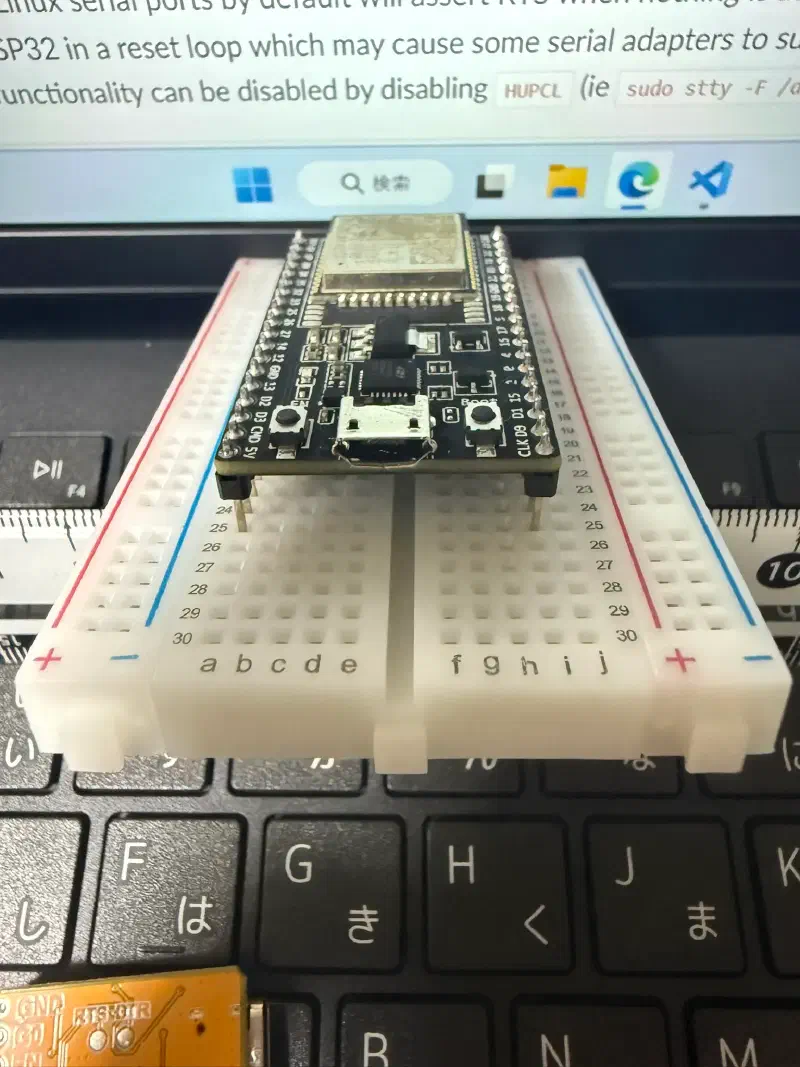
It’s bigger than the Raspberry Pi Pico, so I couldn’t use the breadboard I had on hand—that was a bummer.
It took me a whole day to finally upload the program to the ESP32, but there’s no sparkle ✨ (LED blinking).
However, when I opened the port monitor, I could see that the program was indeed running normally.
I think the GPIO settings are wrong, but the code clearly specifies BLINK_GPIO.
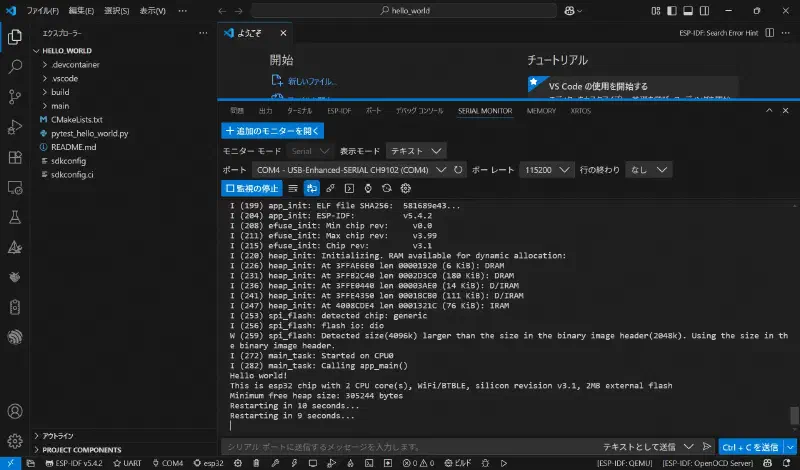
After checking the documentation, it seems that LED is actually meant to indicate the power status.
Maybe it can’t be controlled by the user?