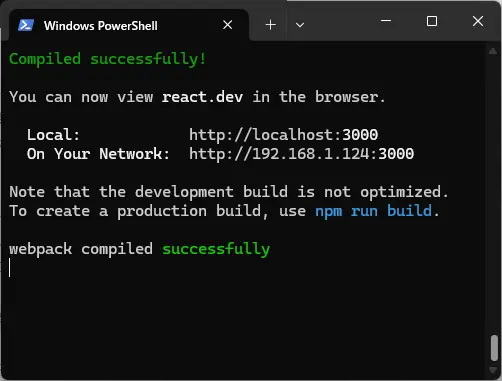
Install Next.js using the link below.
https://nextjs.org/docs/app/getting-started/installation
Download the Tic-Tac-Toe demo using the link below. Detailed instructions are available on the website.
https://ja.react.dev/learn/tutorial-tic-tac-toe
Unzip the downloaded archive, open a terminal, and navigate to the extracted directory.
Run the following code to grant permissions.
Set-ExecutionPolicy RemoteSigned -Scope ProcessInstall the dependency libraries.
npm installStart the local server.
npm startEnter real-time developer mode.
npm run dev