Introduction #
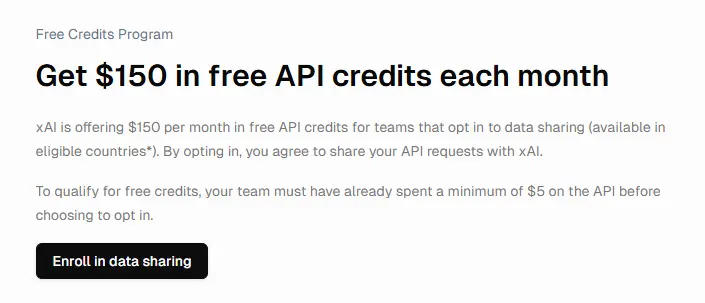
X-AI has recently been holding an event where they give away $150 in free credits every month, so I created an X-AI account.
However, please note that you must provide personal information and make a $5 charge to qualify.
Main Topic #
Click here for the official guide.
Create an account at https://console.x.ai and generate an API key.
The API key is only displayed once, so be sure to save it securely.
Install openai using pip.
pip install openaiCreate a Python file and write the following code.
import os
from openai import OpenAI

XAI_API_KEY = os.getenv("XAI_API_KEY")
client = OpenAI(
    api_key=XAI_API_KEY,
    base_url="https://api.x.ai/v1",
)

completion = client.chat.completions.create(
    model="grok-2-latest",
    messages=[
        {
            "role": "system",
            "content": "You are Grok, a chatbot inspired by The Hitchhiker's Guide to the Galaxy."
        },
        {
            "role": "user",
            "content": "What is the meaning of life, the universe, and everything?"
        },
    ],
)

print(completion.choices[0].message.content)
Replace XAI_API_KEY in api_key=XAI_API_KEY with your own key.
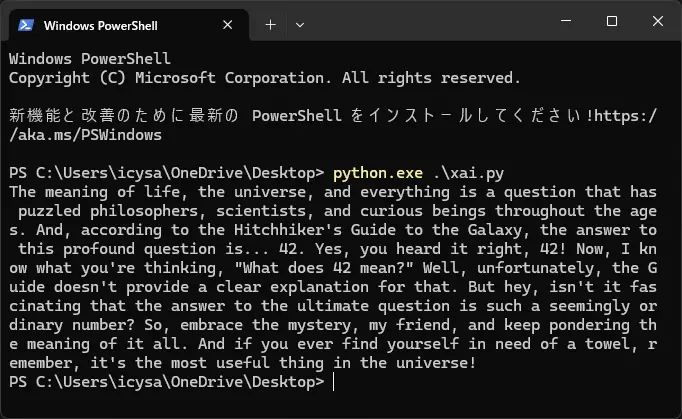
Finally, run this file in the terminal.
python.exe <file path>Replace <file path> with the path to your file.