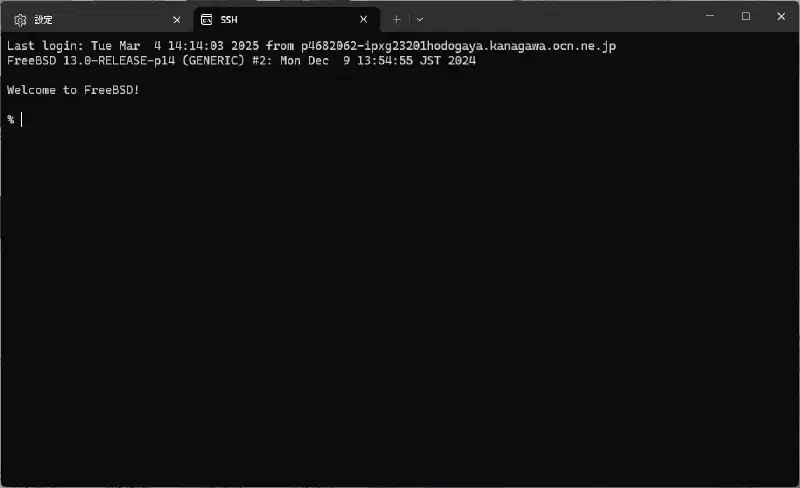
Enter the following in the terminal.
ssh <username>@<server address>For example, in my case:
ssh server@icysamon.comQuick Connect #
First, open the Terminal settings and add a new profile.
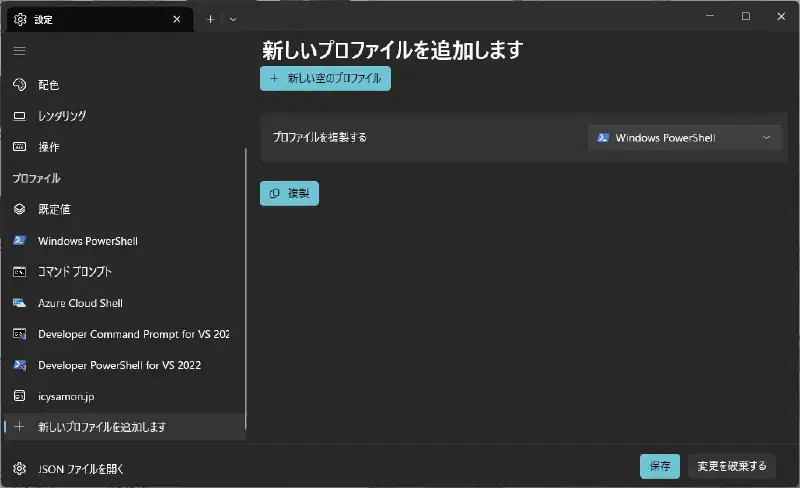
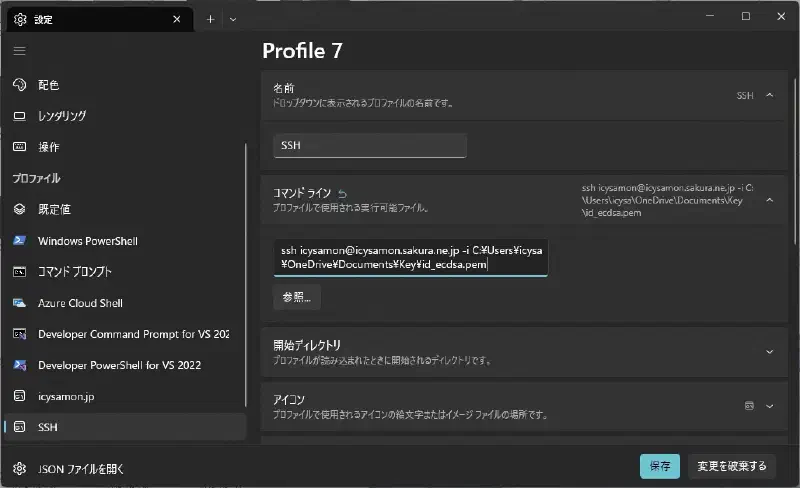
Then, set the name and command line.
The command line will look like this:
ssh icysamon@icysamon.sakura.ne.jp -i C:\Users\icysa\OneDrive\Documents\Key\id_ecdsa.pem- Username:
icysamon - Server name:
icysamon.sakura.ne.jp - SSH public key file path:
C:\Users\icysa\OneDrive\Documents\Key\id_ecdsa.pem
Replace the parameters above with your own information.
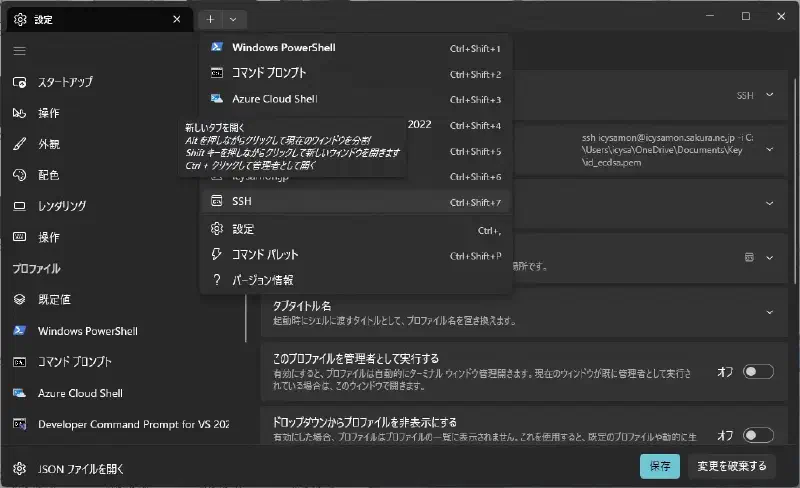
Then, click the plus button to open the profile you just created.
It started up successfully.