This post was translated by AI.
I recently built a Wi-Fi-connected clock using the Raspberry Pi Pico C SDK.
This project involved developing a C library for the TM1637 LED display, implementing NTP communication, and designing for low power consumption.
As expected, working with C was significantly more challenging than using MicroPython.
However, for the sake of performance and power efficiency, I had to power through the difficulty!
In the end, I switched back to USB power anyway… 💦
Mainly because I realized after finishing it that Wi-Fi communication makes it non-portable (since I can’t easily change the Wi-Fi settings on the go).
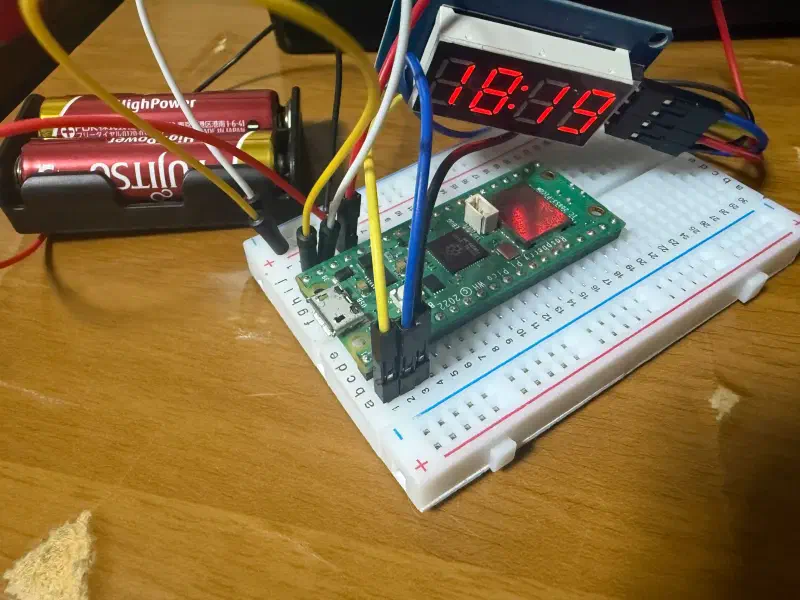
By the way, I have open-sourced the TM1637 LED library on GitHub.
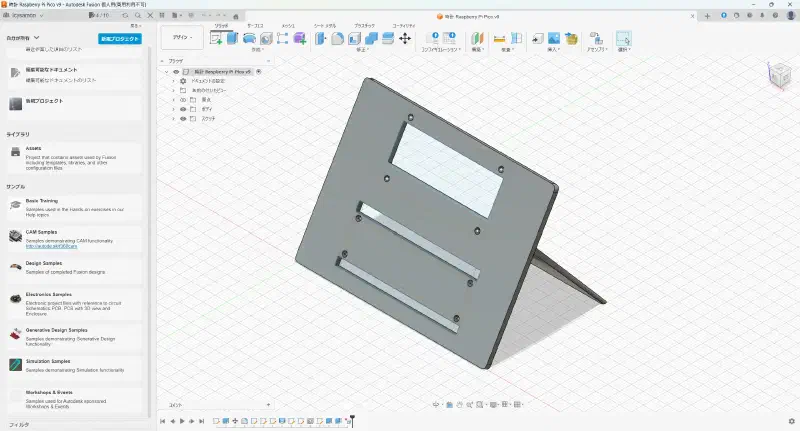
I created the model in Fusion.
Unfortunately, the height was a bit off, so the PCB pins ended up hitting the ground first.
And as usual, my 3D printer broke down.
It took me several hours to fix it again. o(╥﹏╥)o